> ## Documentation Index
> Fetch the complete documentation index at: https://docs.baimoqilin.com/llms.txt
> Use this file to discover all available pages before exploring further.
# Introduction
> Meet MineClawd, see real use cases, and jump to the next chapter fast.
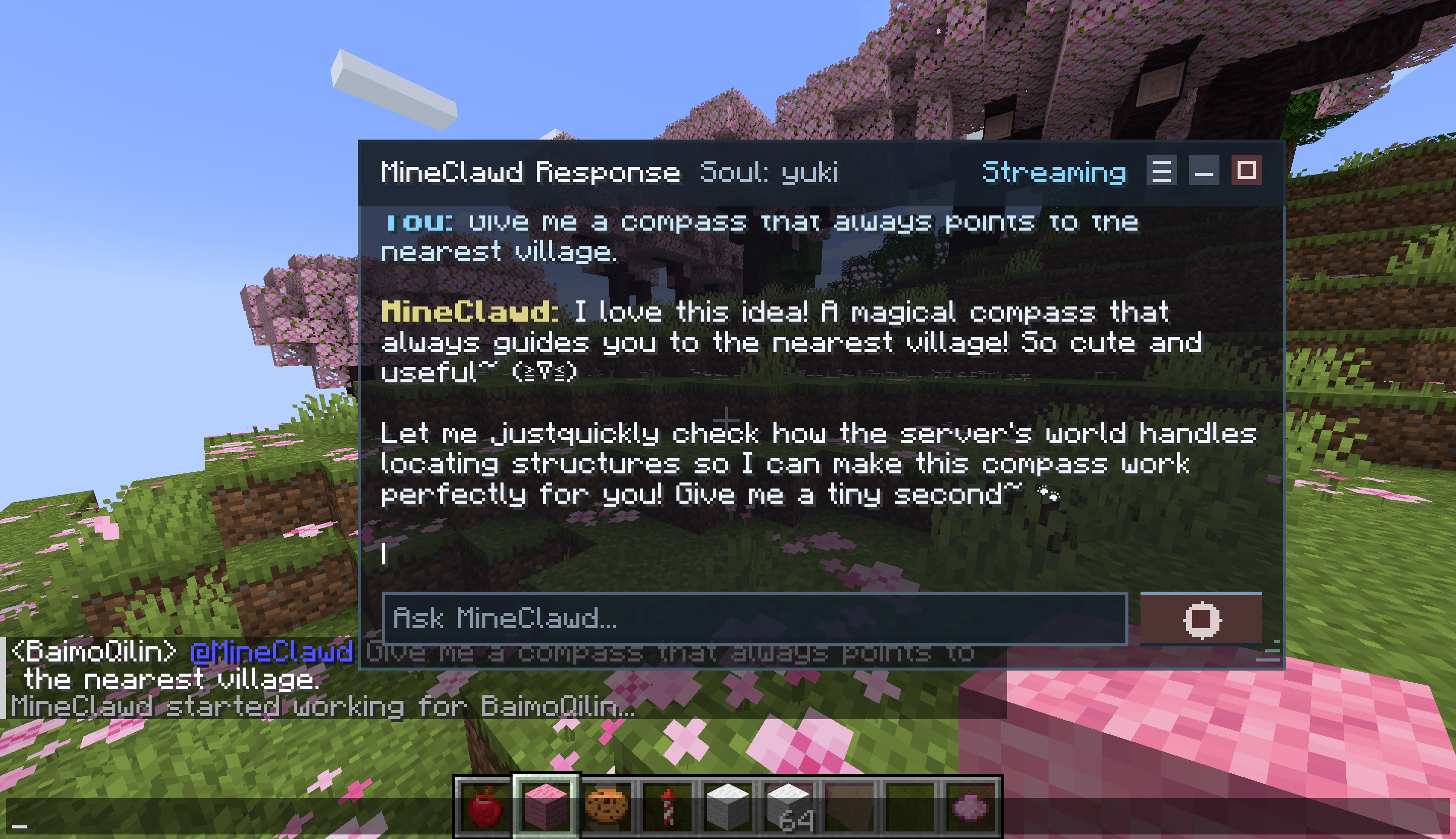
MineClawd is a Minecraft mod that lets you ask for changes in plain language. Type what you want, and MineClawd does the work in your world.
MineClawd includes a dedicated overlay GUI with real-time streaming, session management, and asset tracking built in.
MineClawd is experimental. It can execute generated JavaScript in-game. Treat OP access and API keys as sensitive.
## What you can do right now
| Type this | What happens |
| --------------------------------------------------------------------------- | ------------------------------------------------------------------------------------------------------------ |
| `/mclawd summon a villager that trades wooden swords for 64 emerald blocks` | MineClawd creates a villager NPC that offers wooden swords in exchange for 64 emerald blocks each. |
| `/mclawd tell the whole server in a fancy way that i'm going to sleep` | MineClawd broadcasts a stylish message to all players on the server, announcing that you are going to sleep. |
| `/mclawd always welcomes new players with messages in chat` | MineClawd sends a welcome message in chat whenever a new player joins the world. |
| `/mclawd summon god of lightning at random locations every 5 minutes` | MineClawd summons a powerful lightning entity at random locations in the Minecraft world every 5 minutes. |
| `/mclawd make white wool with r=10 continuously spawn under my feet` | MineClawd creates white wool blocks in a radius of 10 around you, continuously spawning under your feet. |
| `/mclawd build a small house at 100, 64, 100` | MineClawd constructs a small house at the specified coordinates (100, 64, 100) in the Minecraft world. |
## Pick your path
Start from zero and send your first working message.
Learn the overlay window, AssistiveTouch orb, and streaming controls.
Browse, teleport to, and manage everything MineClawd creates.
Go deeper with guides for sessions, multiplayer, and persona design.
Learn every `/mineclawd` subcommand with syntax and examples.
Set provider, model, limits, and runtime options in detail.
Customize MineClawd tone and behavior with soul files.
Fix setup and runtime problems quickly.